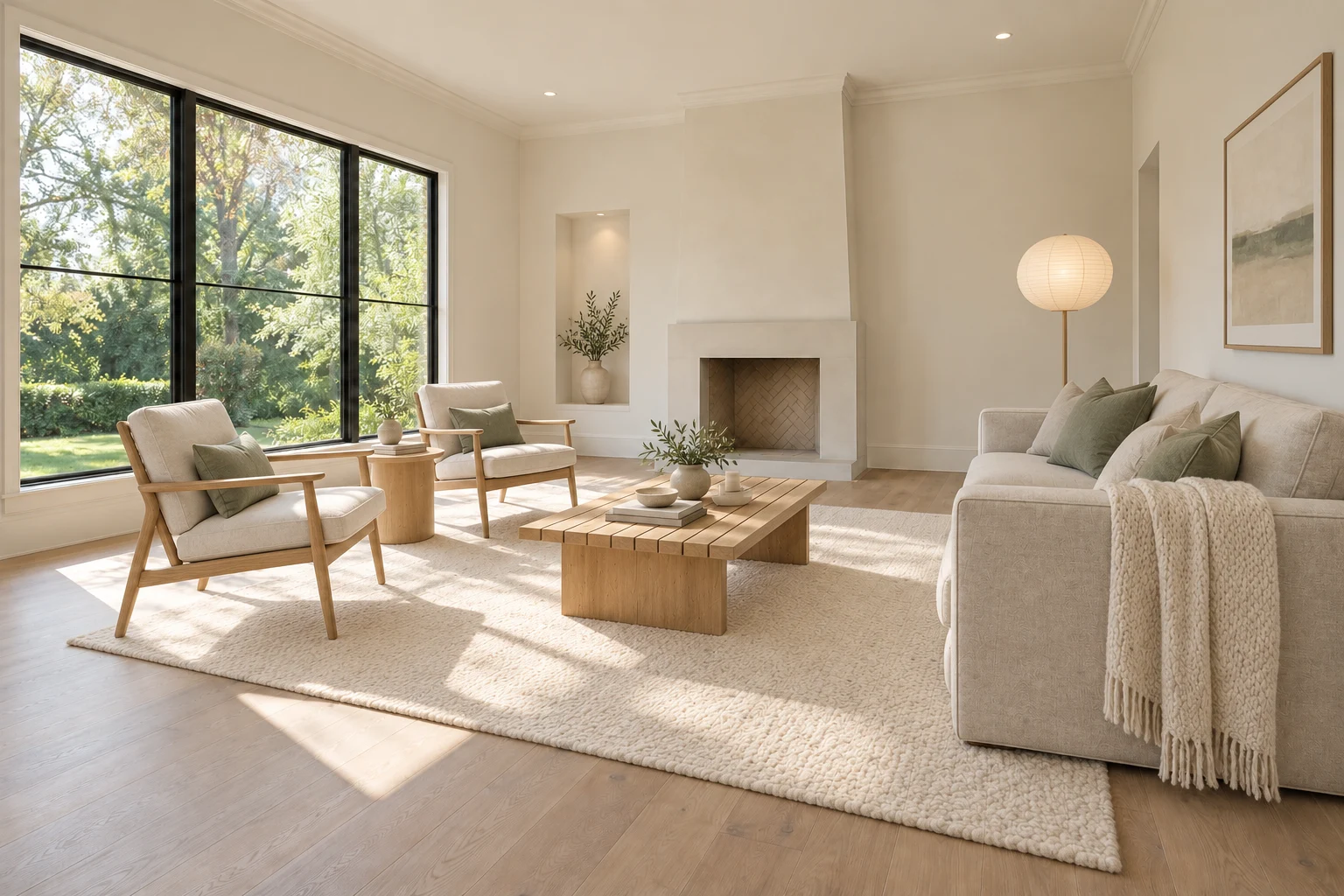
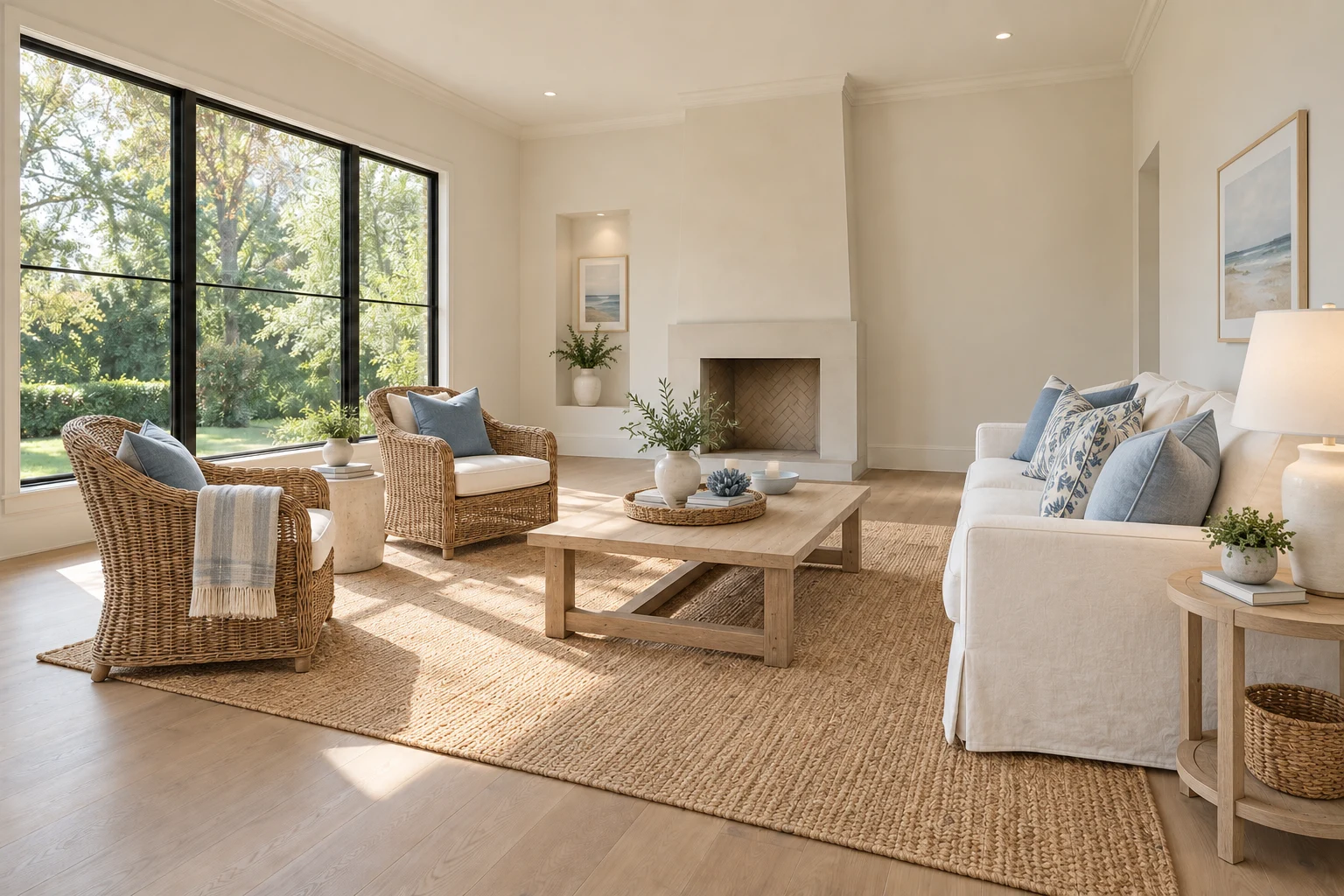
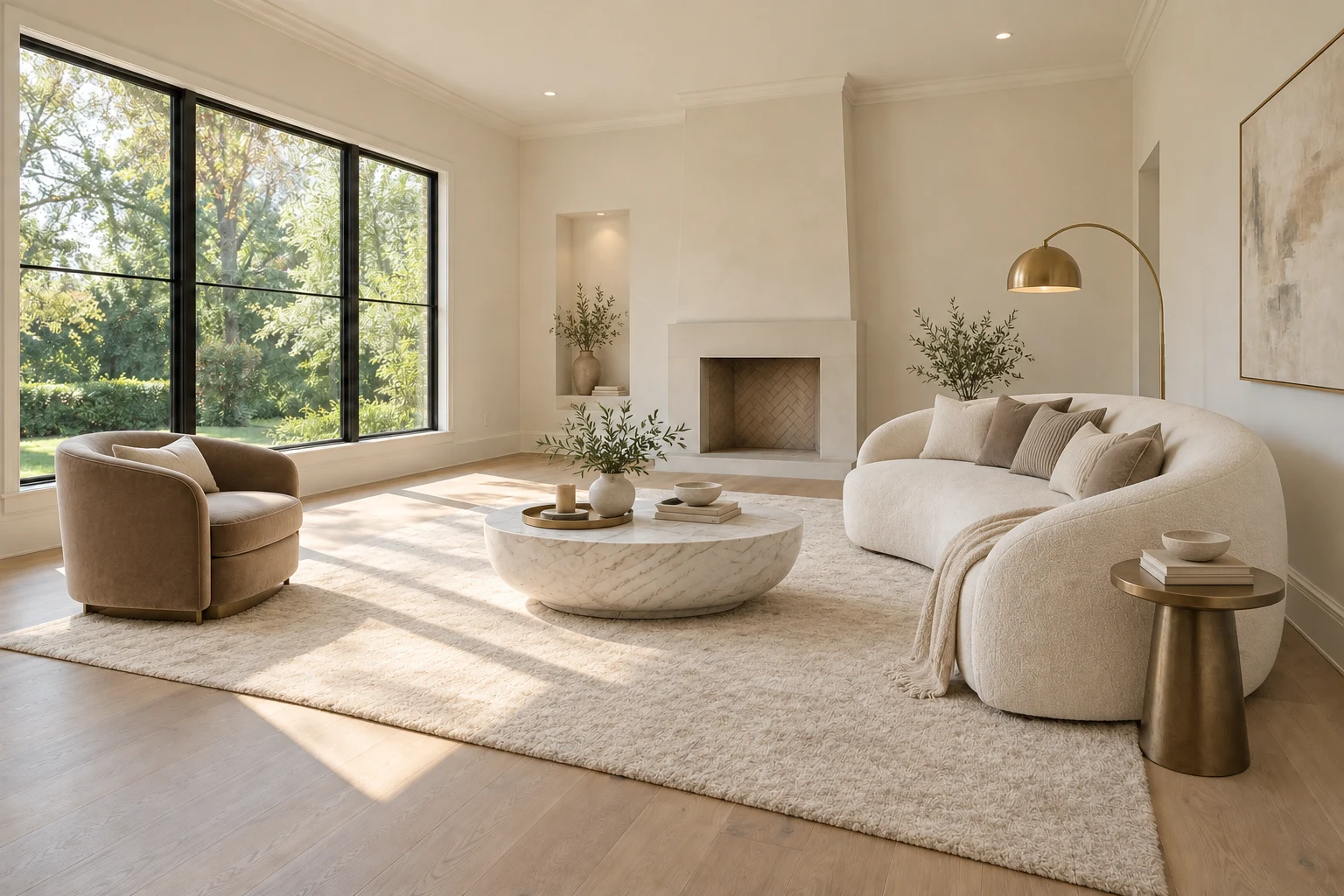
Free
Try it on your own photos.
$0to start
2 designs · No credit card
- 2 AI designs on your own photos
- Room redesign or virtual staging
- All 8 styles and room types
- View-only watermarked previews · No HD or layers
Add furniture to empty rooms or restyle an already furnished space from a photo. Stage mode focuses on preserving the original architecture. Explore 8 styles, compare before and after, and buy one-time credits when you need HD downloads.
2 free designs on your own photos · No credit card
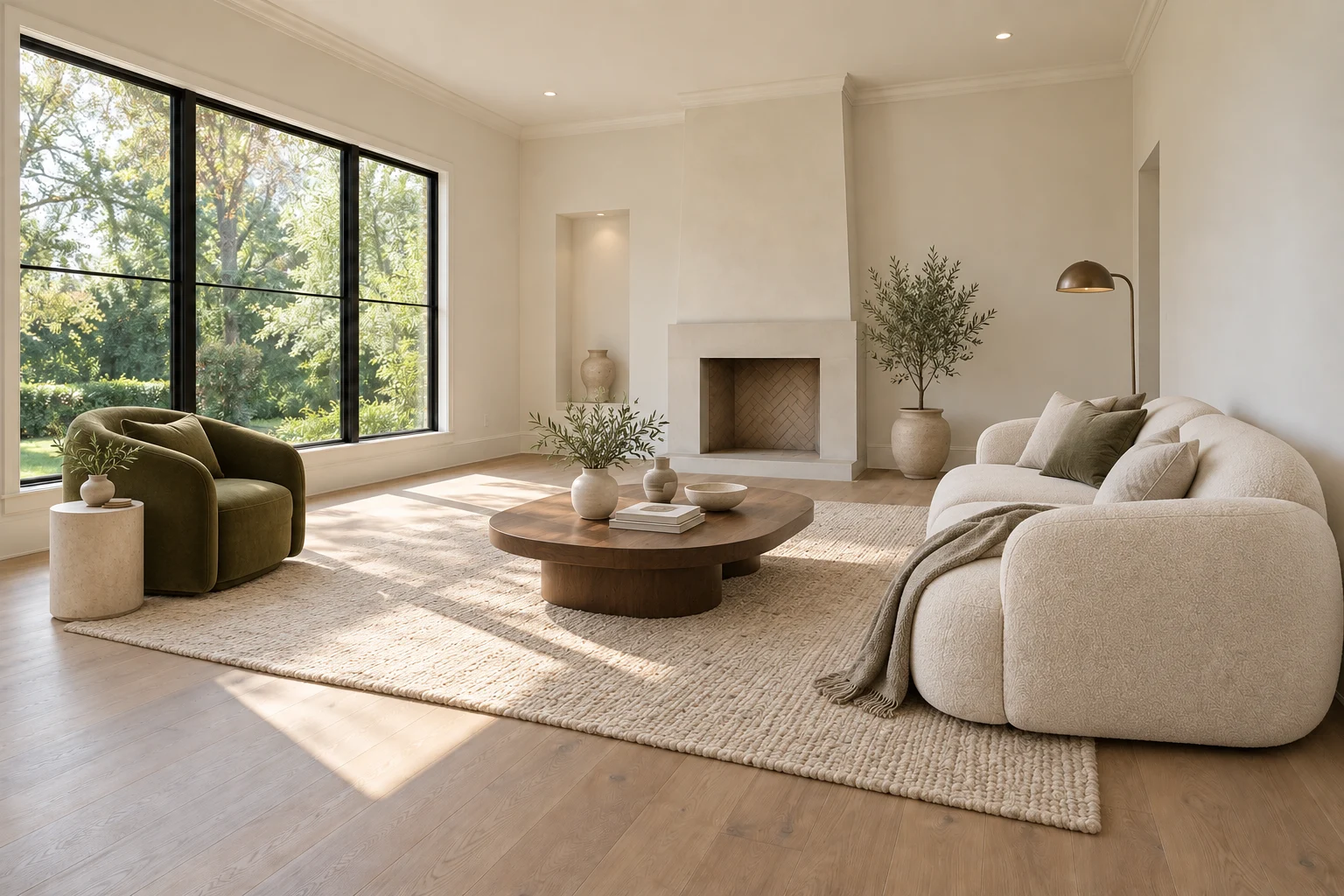
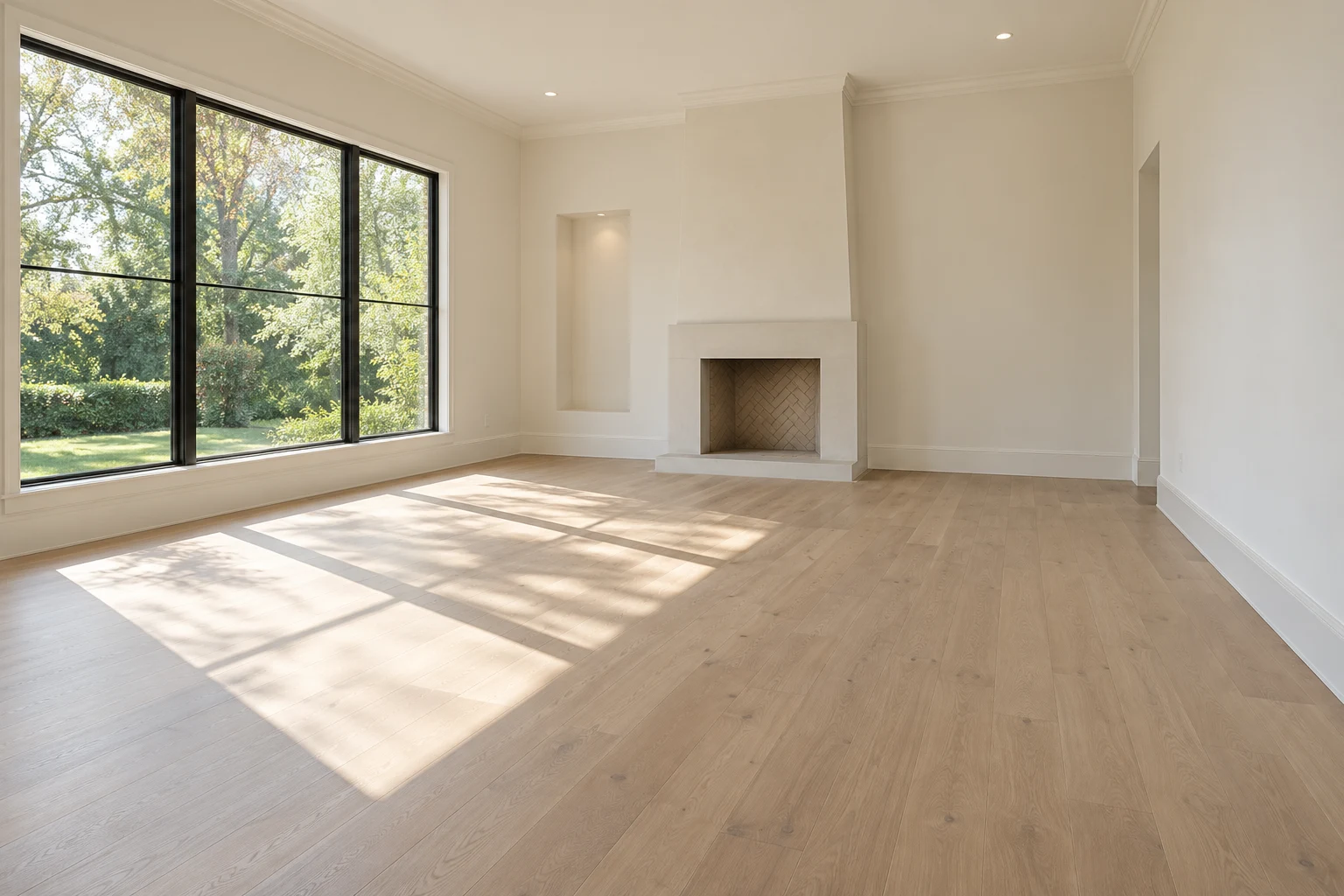 BeforeAfter
A thoughtful transformation. A simple process.
One property, all your rooms. Start with clear photos of your empty spaces.
Choose a room and a style. Explore furnishings while keeping the architecture.
Pick your favorites. Get your final images and disclosure in one tidy package.
Help buyers see themselves at home.
Upload your room photo, choose a style and start with two free designs.
Seating, focal points and clear routes through the room.
Bed placement, storage access and a calmer furniture palette.
Designed to keep walls, windows, floors, and the view.
Compare every result with the original before publishing.
Start with 2 free designs. No subscription — credits never expire.
Try it on your own photos.
2 designs · No credit card
For one room or a small listing.
Up to 29 designs · $0.69 per design
For a whole home or several listings.
Up to 60 designs · $0.67 per design
For agents, photographers and busy months.
Up to 160 designs · $0.62 per design
Good questions.
Straightforward answers.
Yes. Sign in and you get 2 free designs on your own photos: redesign a furnished room or stage an empty one. Free designs are watermarked previews, and no credit card is needed. You can also explore a prepared living room sample without signing in.
Generating a design uses 1 credit. Paid designs also support furniture editing for 1 credit or layer separation for 9 credits. Buy a one-time pack: Starter (29 credits, $19.90), Plus (60 credits, $39.90) or Pro (160 credits, $99.90). Free credits are for watermarked previews only. There is no subscription and credits never expire. Failed operations return their credits.
Both are supported. Redesign mode restyles a furnished room, replacing furniture, decor and textiles and optionally the wall colour, while keeping walls, windows and floors in place. Virtual staging adds furniture to an empty room for a real estate listing and aims to preserve the property exactly.
Virtual staging adds digital furniture and decor to an empty room photograph, helping buyers understand its scale and potential. It is designed for real estate marketing, with a clear disclosure that the furnishings are virtual.
Upload a bright, sharp photograph of the room, taken from a corner at standing height. JPG, JPEG, PNG, and WebP are supported, up to 20 MB per image. Wider views with straight vertical lines usually work best.
The goal is to keep walls, windows, doors, flooring, ceilings, fixed cabinetry, fireplaces, outside views, and perspective. Staging adds movable furniture only; redesign may also change soft furnishings and wall colour. AI can make mistakes, so compare every result with the original before publishing.
Living rooms, bedrooms, dining rooms, home offices, kitchens, bathrooms, and other spaces. Room type guides the furniture selection; built-in fixtures should stay unchanged.
Yes. Choose another style and generate again from the same original photo. Each new design uses one credit, and earlier designs stay in your history so you can compare them.
Yes. Designs made with paid credits include commercial use, including listings and client work. Disclose virtual staging and check the rules of your listing platform or local MLS. Never imply that virtual furnishings are included with the home.
Free designs are view-only watermarked previews, limited to 1200 pixels on their longest side. Generate with paid credits for full-resolution downloads (about 4 megapixels), no watermark, furniture editing and layers. Buying credits does not remove the watermark from an existing free preview.
In the room design tool, remove a photo to delete it together with its designs. In the studio, delete a photo or an entire property. Generated images are stored privately for your account until you delete them; your original photos stay in this browser.