Free AI room design.
Upload a photo. See it redesigned.
Upload a photo of your room and explore new furniture and decor with our AI room designer. Choose Redesign for a makeover or Stage for an empty listing photo. Your first 2 designs are free, with no credit card.
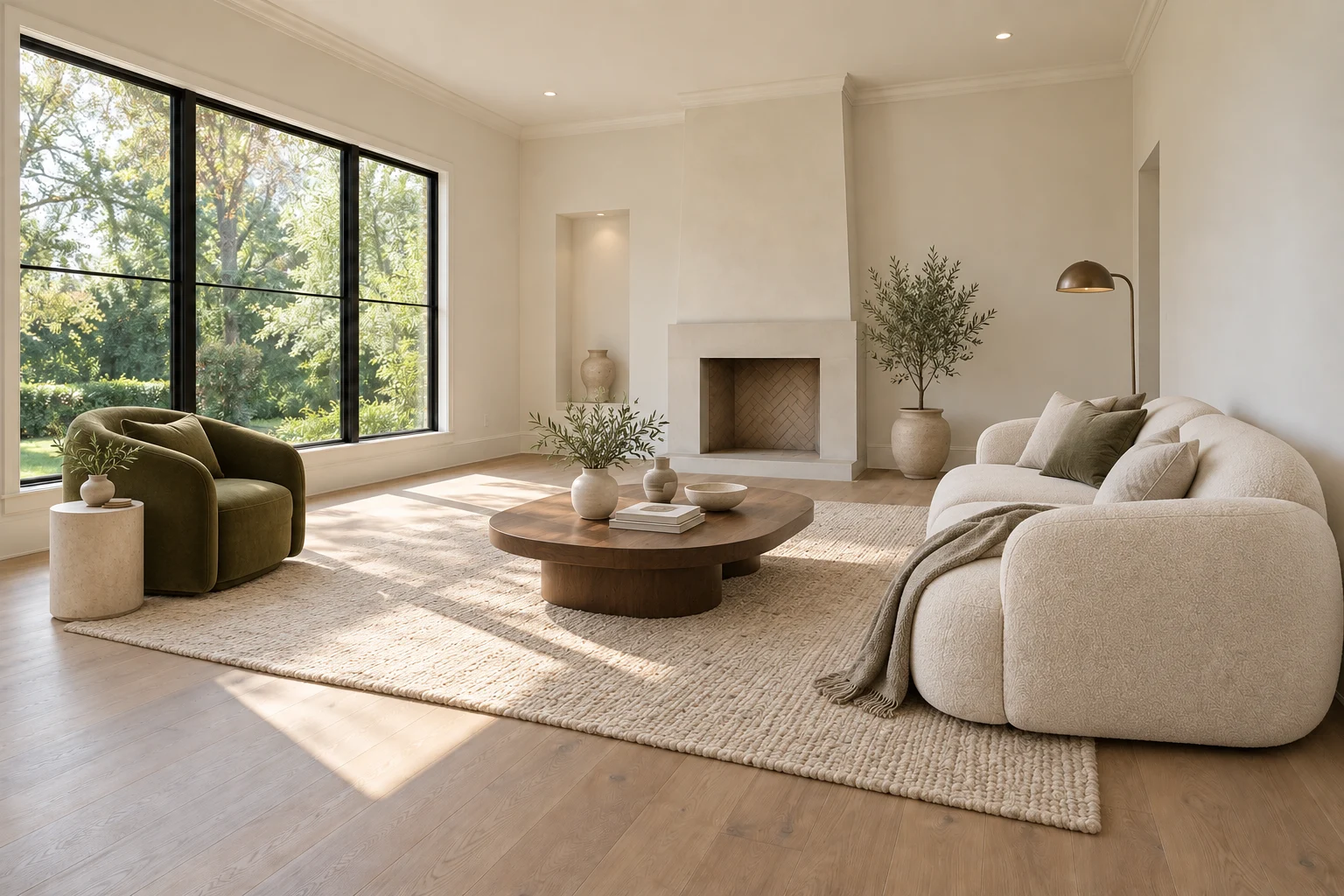
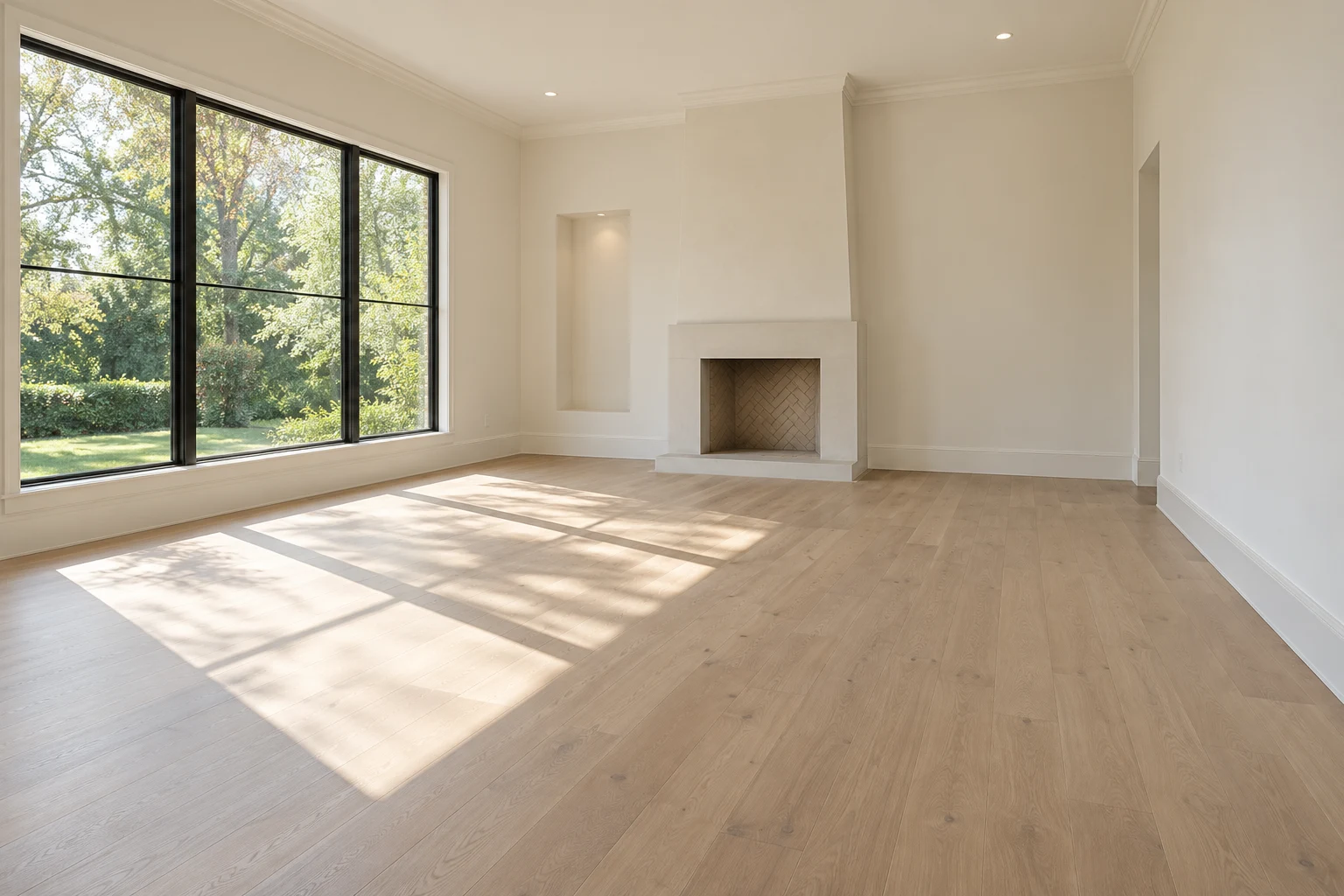 BeforeAfter
An AI room decorator from your own photo
Use this AI interior design tool to visualize furniture and decor in a real room. Explore eight styles, compare versions with your original and keep your property photos organized. Discover the AI Staging Photos workflow for editing and delivering listing images. Choose a room type, then try a style on the photo above.
How AI room design works
- 1. Upload your roomA clear photo from a corner works best. JPG, PNG or WebP up to 20 MB.
- 2. Pick a mode and styleRedesign a furnished room or stage an empty one, in one of eight interior styles.
- 3. Compare your previewDrag the slider to compare before and after. Generate with paid credits for HD downloads.
Redesign a furnished room, or stage an empty one
Redesign my room
For a room that already has furniture. AI replaces the furniture, rugs, textiles and decor with a new style and may refresh the wall colour, so you can picture a makeover before buying anything.
Stage an empty room
For vacant rooms and real estate listings. AI adds movable furniture and decor while keeping walls, windows, flooring and fixtures faithful to the original photo.
Both modes keep the camera angle and the room’s architecture. They are visual ideas, not floor plans or construction drawings: check measurements before buying furniture, and disclose virtual staging when a design is used in a listing.
Is this AI room design free?
Yes, to start. Every account gets 2 free designs on its own photos, with no credit card. Free designs are view-only, watermarked previews, with no editing, layers or HD export. You can also explore a prepared living room sample without signing in.
When you want more, credit packs start at $19.90 for up to 29 designs. Paid designs download in high resolution without a watermark, credits never expire, and there is no subscription. Compare credit packs.
Eight interior styles to try
Choose Modern, Scandinavian, Coastal, Luxury, Contemporary, Minimalist, Traditional or Industrial. Generating the same photo in two or three styles is the quickest way to find a direction. Every design starts from your original photo, so styles never stack on top of each other.
See all eight styles side by side in the before-and-after gallery, or read the living room design guide and the bedroom design guide for room-specific tips.
Tips for a better result
- Shoot in daylight with the lights on, from a corner at standing height.
- Keep vertical lines straight and include as much of the floor as you can.
- Pick the room type that matches the photo; it decides which furniture is added.
- For a makeover, tidy small items first. For staging, a fully empty room gives the cleanest result.
What stays the same?
The AI is instructed to keep door and window positions, wall edges, ceiling lines, columns, fireplaces, fixed cabinetry and the view outside. AI images can still introduce mistakes, so compare each design with your original before relying on it.
Your generated designs are stored privately for your account until you delete them, and your original photo stays in this browser. Remove a photo in the tool to delete it together with its designs.
Find the right approach for your room.
AI living room design
Seating, focal points and clear routes through the room.
AI bedroom design
Bed placement, storage access and a calmer furniture palette.
AI kitchen design
Style the surfaces while keeping cabinets and appliances in place.
Staging a whole listing?
Keep every room of a property together, compare versions, and download originals, finals and a disclosure in one package.